
There are numerous online image creation tools available but the one I’m using most the minute is Canva.
There are so many templates available for you to use so whether you’re looking for a simple facebook or twitter header profile, business cards, posters or infographics they have made it so easy to use.

Just some of the free image templates available on Canva
The process is really simple – you select from a range of design templates and then customise it with your own text and images. As a starter the free templates offer more than enough scope for you to explore the capability of the system.
There is of course a library of premium themes which you can access – I haven’t found any need to use these yet but they do offer expanded libraries of design templates and more flexibility when it comes to layouts.
As well as all the social media images you can create I also use the tool to help create images for sales presentations to existing and potential clients. The image sizes are designed to fit with Powerpoint / Keynote and are really quick and easy to create.
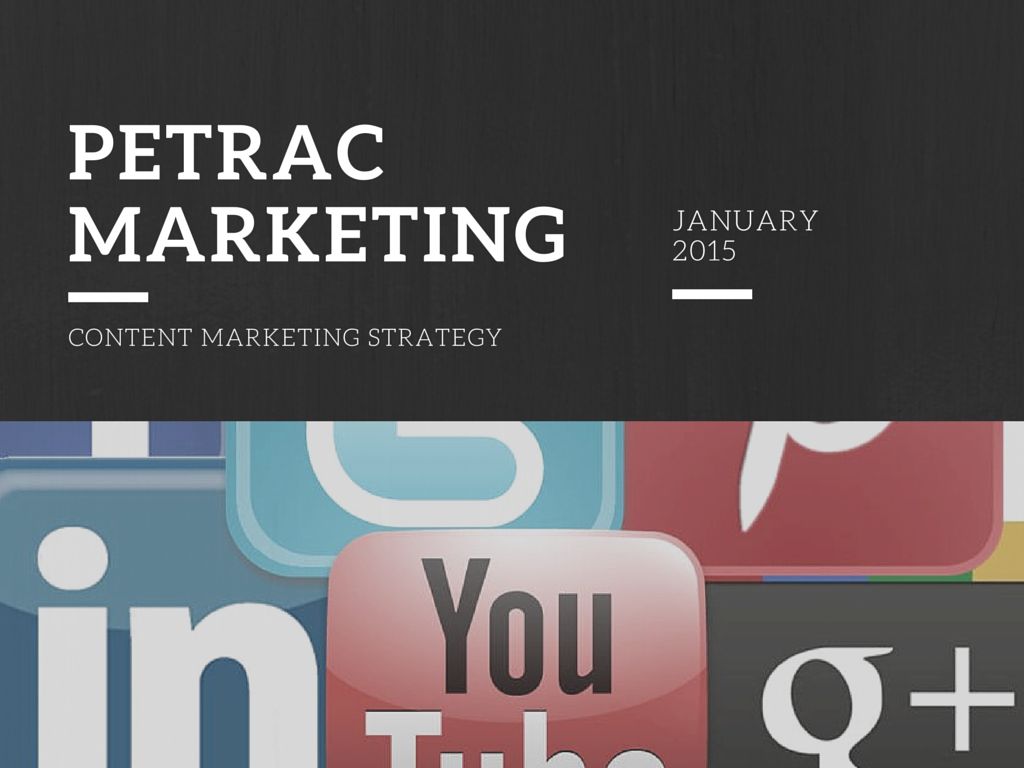
Presentation image created using Canva
For beginners on the system there is a Canva Design School which contains a library of tutorials on how to use the system.

The Canva design school tutorials
You can also browse the design school by category to find help with the specific project that you’re working on.
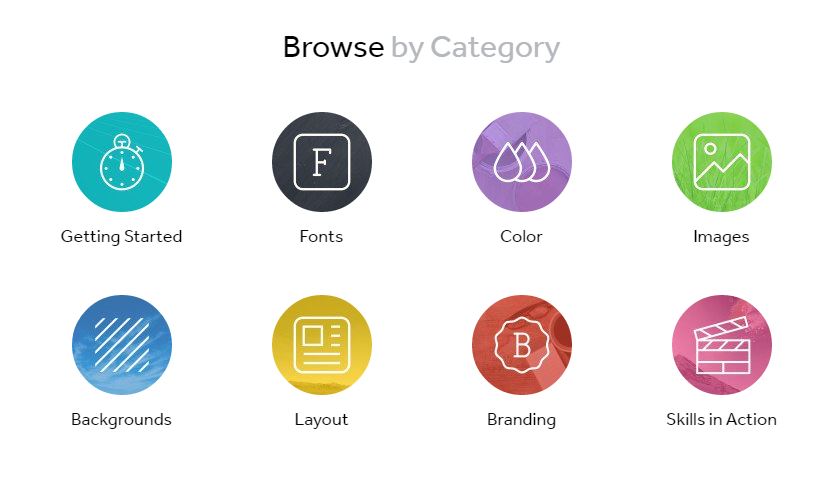
Browse by category on the Canva Design School
Once you’ve created your free images you can either keep them private or share them to show others the designs you have created. Even if you want to keep your own images private you can search the Canva Stream to see the most recently published images. This is a great resource for finding out how you could use the system for yourself.
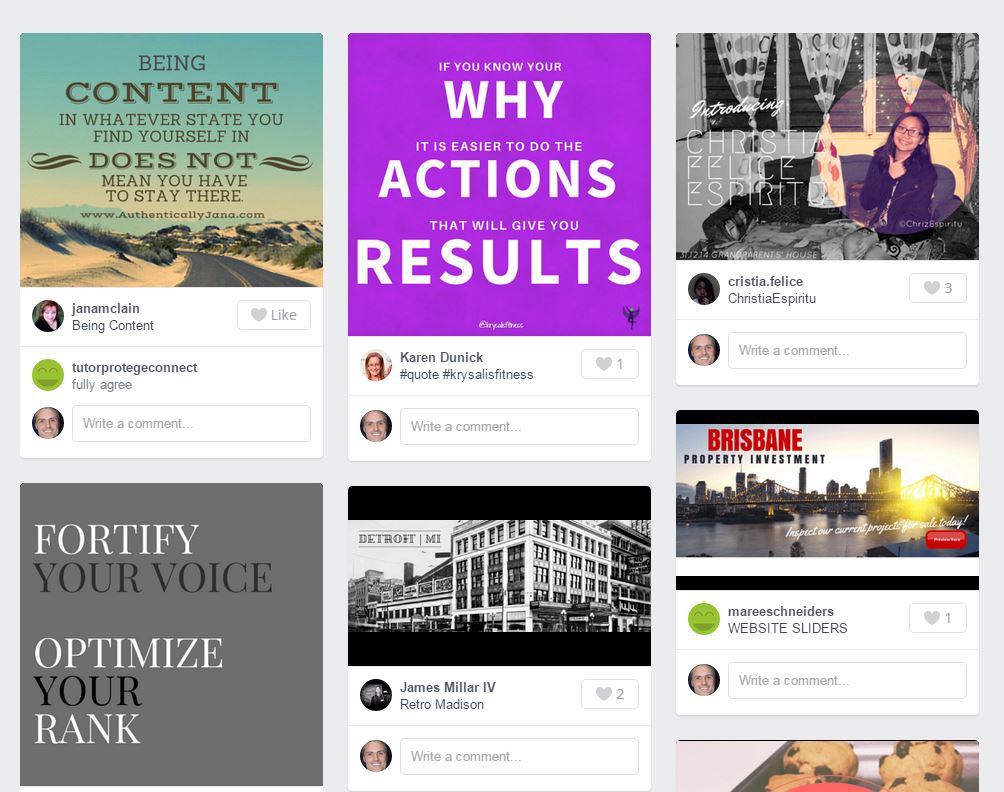
Canva design stream shows the most recently created images
If you’d like any help discovering how you can use Canva to benefit your business then get in touch:
Your message has been sent

 Petrac Marketing