What the colour of your logo says about you

It’s just a colour right? Doesn’t mean anything.

You couldn’t be more wrong. The colour that you choose for your company logo will say a lot about you to your customers and prospects so you better make sure that you choose the right one.

And it doesn’t stop at colour – your font is making a statement about the kind of organisation you are an the shapes you use within your logo also has an implication for how you will be perceived.

So, what do you want to say?

Do we want to be perceived as honest and trustworthy?

Is bold and passionate more you?

Or are you going for the sophisticated, luxury look?

If you’re in the process of trying to select the right logo for you business or considering a redesign then you should check out the great infographic below from Colourfast, a Canadian plastic card maker.

Prepare to have all your questions on colour, type face and shapes answered.

what logo colour says about you

The psychology of colour in the design of your logo

Choosing the right social media tools for your business

social media marketingI was talking to a guy recently who told me that booking a conference room in a hotel and delivering a sales presentation worked really well for his business.

So here’s what I’m going to do.

There’s a really nice conference centre in a hotel near our offices so I’m going to book it for next month. We’re going to put together a killer presentation, build a stage, make a video, lay on some nice food. I’d say 100 people should cover it.

That’s it organised – all systems go.

What’s that you say? What about the audience?

Not a problem – sure that guy told me it worked really well for his business.
I hope you’ll agree that this is a completely ludicrous idea. Ill conceived with no consideration for the requirements of my business.

Yet people are doing this day and daily in marketing departments all over the world.
Maybe not with the conference room booking but instead with their choice of the social media channels that they use.

Like magpies people are drawn to the latest shiny new toy in the pursuit of the coolest way to deliver their marketing messages.

People flock to Twitter, Facebook, Instagram, Pinterest, LinkedIn with no knowledge of whether their customers are using this media.

Across the board there seems to be a universal reason for this behaviour – because they’re free.

They only way they are free from a direct financial cost is if you are working for nothing (which I’m guessing that the vast majority of you are not).

Even if you are working for free then there is the cost in terms of your time to consider. Time that you would surely prefer to be spending on activities that will add some value to what you are doing.

And then there’s the opportunity cost – what new business are you missing out on by wasting time on marketing tools that will deliver no results?

How much more business could you win by stopping focusing on all the shiny new toys and narrowing the focus to tried and tested channels that you know will bring you results.

You wouldn’t deliver a sales presentation in an empty room so don’t use any marketing tools until you know your customers are there.

Stop using delivery channels for your marketing messages based on how new, how cool they are or based on other trendy, cool people and companies that may be using them.

Do your research. Understand your customers. Select the right channels. Clearly define the message you want to communicate and the customer interactions you are seeking.
Only then will you be extracting maximum value from every penny in your marketing budget and making the most efficient and valuable use of your time.

How to Diagnose Your Funnel to Create Predictable Growth

Why wouldn’t you click on a headline that includes the words ‘predictable growth’?

It’s what we’re aiming for every day – a way of optimising the sales funnel so that we are able to confidently predict what our sales numbers will look like in the future.

The article linked below is one of the best I have read on this subject and after reading it you’ll wonder how you didn’t already know this?

Not only does it break the sales funnel down into 3 easily understandable sections – top for traffic, middle for lead conversion and bottom for sales – but it identifies every possible scenario that will help you to identify where the inefficiencies lie within your sales funnel.

Then it only goes and tells you exactly what you should be doing to combat the inefficiencies you have identified.

If you have been baffled by trying to analyse your sales funnel and confused by the thought of how you go about working out where the problem is then I suggest that you read this article. Things will appear a lot more clear afterwards.

How to Diagnose Your Funnel to Create Predictable Growth | Marketing Automations.

Thanks to HubSpot for the original post.

What’s Trending in Marketing: Top Content of the Week

With so much advice available on how you can maximise the return from your marketing investment it’s nice to find a blog post that pulls a lot of articles together. This post on LinkedIn does just that and deals with a number of interesting topics:

  • Case Studies showing how Content Marketing Drives ROI
  • How to improve the tired old content on your website
  • What content marketers can learn from traditional journalism
  • A beginners guide to keyword research for SEO
  • SEO for mobile
  • Getting the biggest SEO bank for your marketing buck
  • Advice on structuring your URL’s for the best SEO advantage
  • 17 Visualisation tools to make your data beautiful
  • What makes a truly great product great?
  • 21 thought leaders answer 17 questions

What’s Trending in Marketing: Top Content of the Week | Marketing Solutions Blog.

Create your own images for free

There are numerous online image creation tools available but the one I’m using most the minute is Canva.

There are so many templates available for you to use so whether you’re looking for a simple facebook or twitter header profile, business cards, posters or infographics they have made it so easy to use.

canva design templates

Just some of the free image templates available on Canva

The process is really simple – you select from a range of design templates and then customise it with your own text and images. As a starter the free templates offer more than enough scope for you to explore the capability of the system.

There is of course a library of premium themes which you can access – I haven’t found any need to use these yet but they do offer expanded libraries of design templates and more flexibility when it comes to layouts.

As well as all the social media images you can create I also use the tool to help create images for sales presentations to existing and potential clients. The image sizes are designed to fit with Powerpoint / Keynote and are really quick and easy to create.

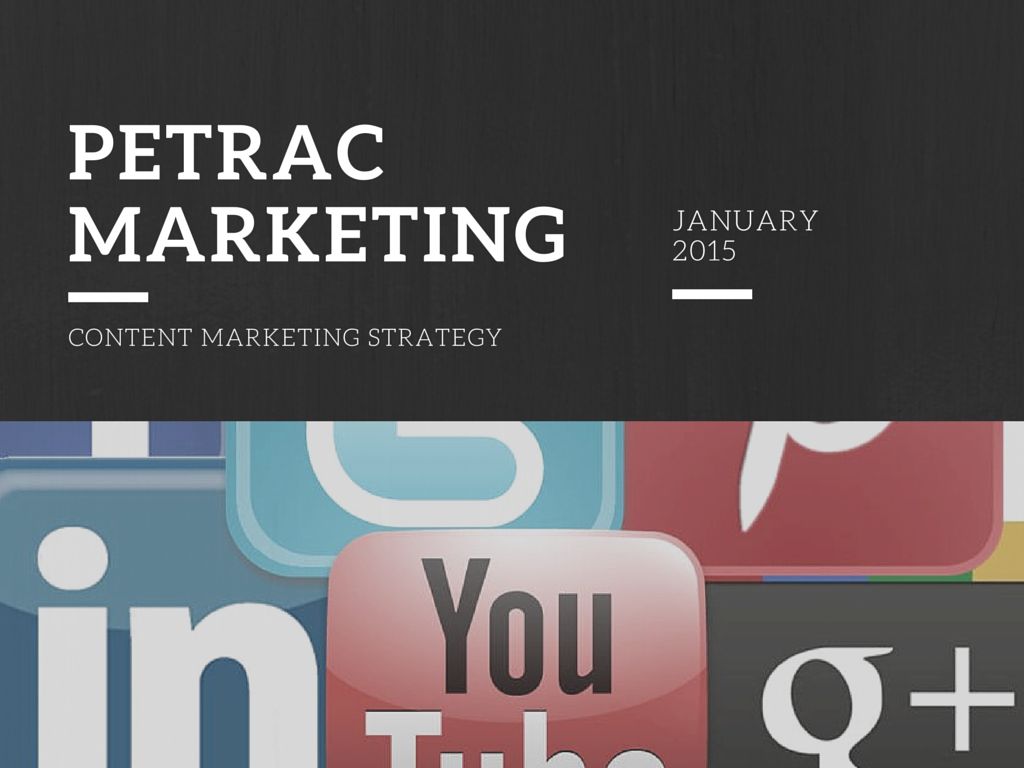
Presentation powerpoint image Canva

Presentation image created using Canva

For beginners on the system there is a Canva Design School  which contains a library of tutorials on how to use the system.

Canva design school create images for free

The Canva design school tutorials

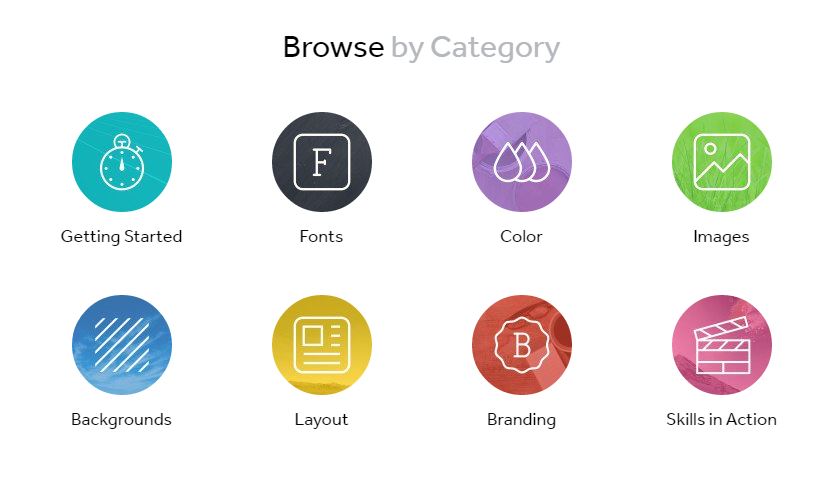
You can also browse the design school by category to find help with the specific project that you’re working on.

Canva Design school categories

Browse by category on the Canva Design School

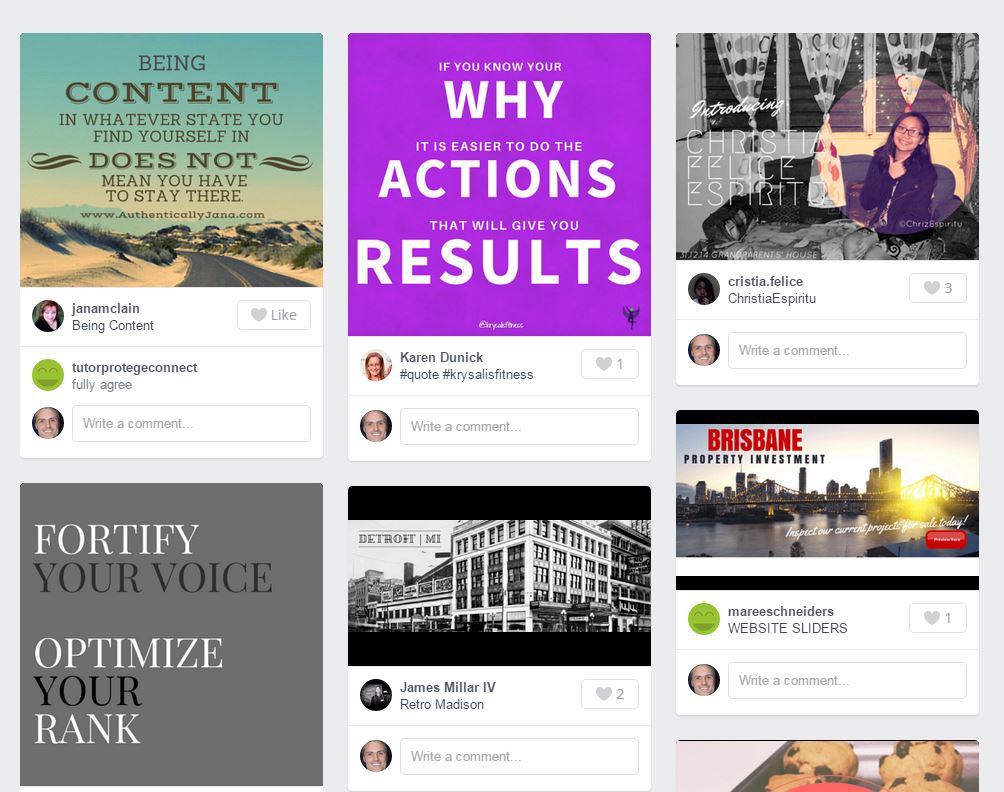
Once you’ve created your free images you can either keep them private or share them to show others the designs you have created. Even if you want to keep your own images private you can search the Canva Stream to see the most recently published images. This is a great resource for finding out how you could use the system for yourself.

Canva design stream create your own free images

Canva design stream shows the most recently created images

If you’d like any help discovering how you can use Canva to benefit your business then get in touch:

Go back

Your message has been sent

Warning
Warning
Warning
Warning

Warning.